
Login and Bid
How to Access and Bid in the BUC Talent & Service Auction
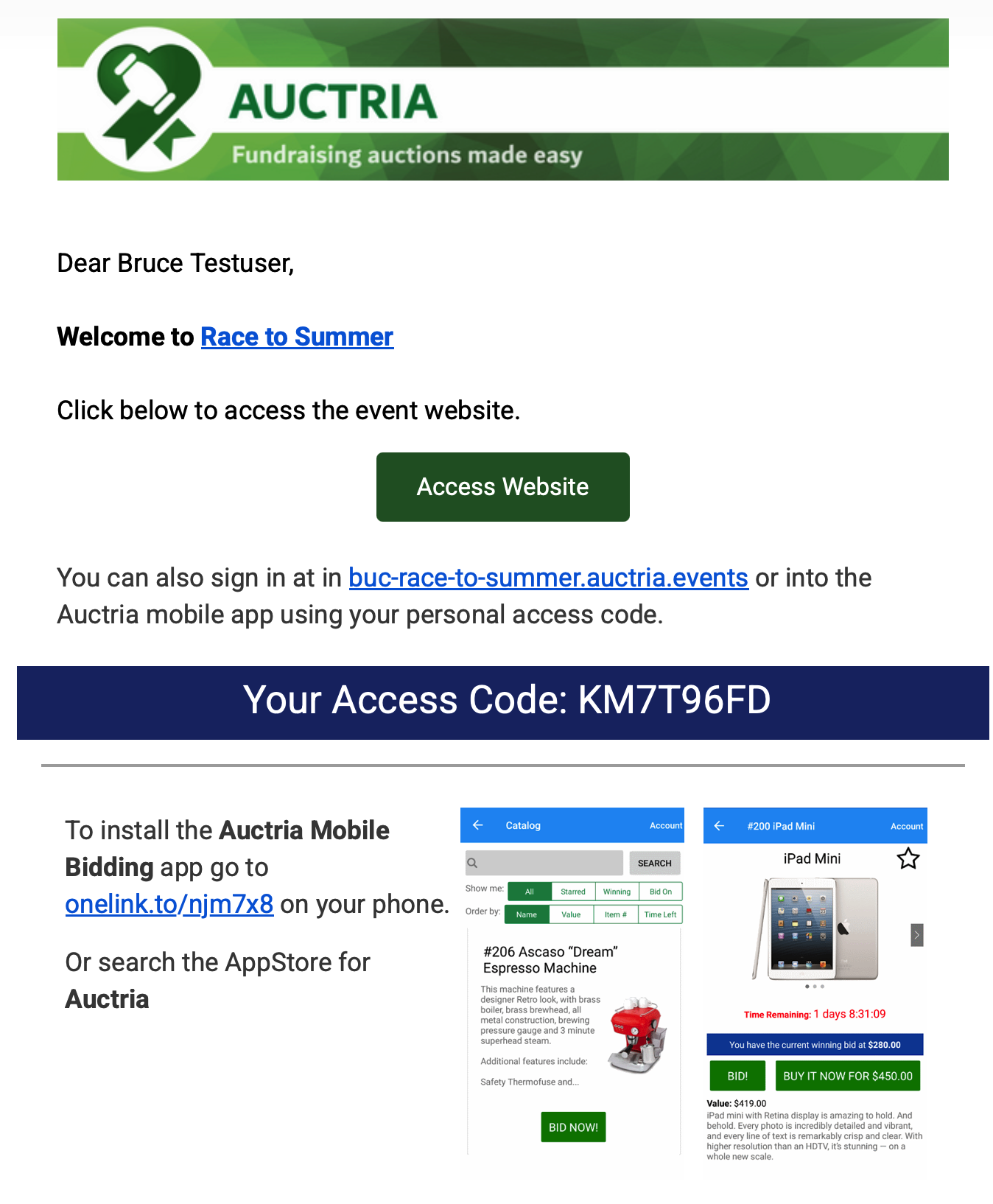
You will receive an email from Birmingham Unitarian Church (sent through Auctria) with a link to the auction website and your personal access code.
If you do not see the email, please check your spam or promotions folder.
Step 1: Watch for Your Auctria Email
Look for an email from Birmingham Unitarian Church inviting you to access the auction website.
In the email:
- Click the Access Website button to go directly to the auction website.
- Your personal access code is also included in the email if you need it later.
Step 2: Sign In to the Auction Website
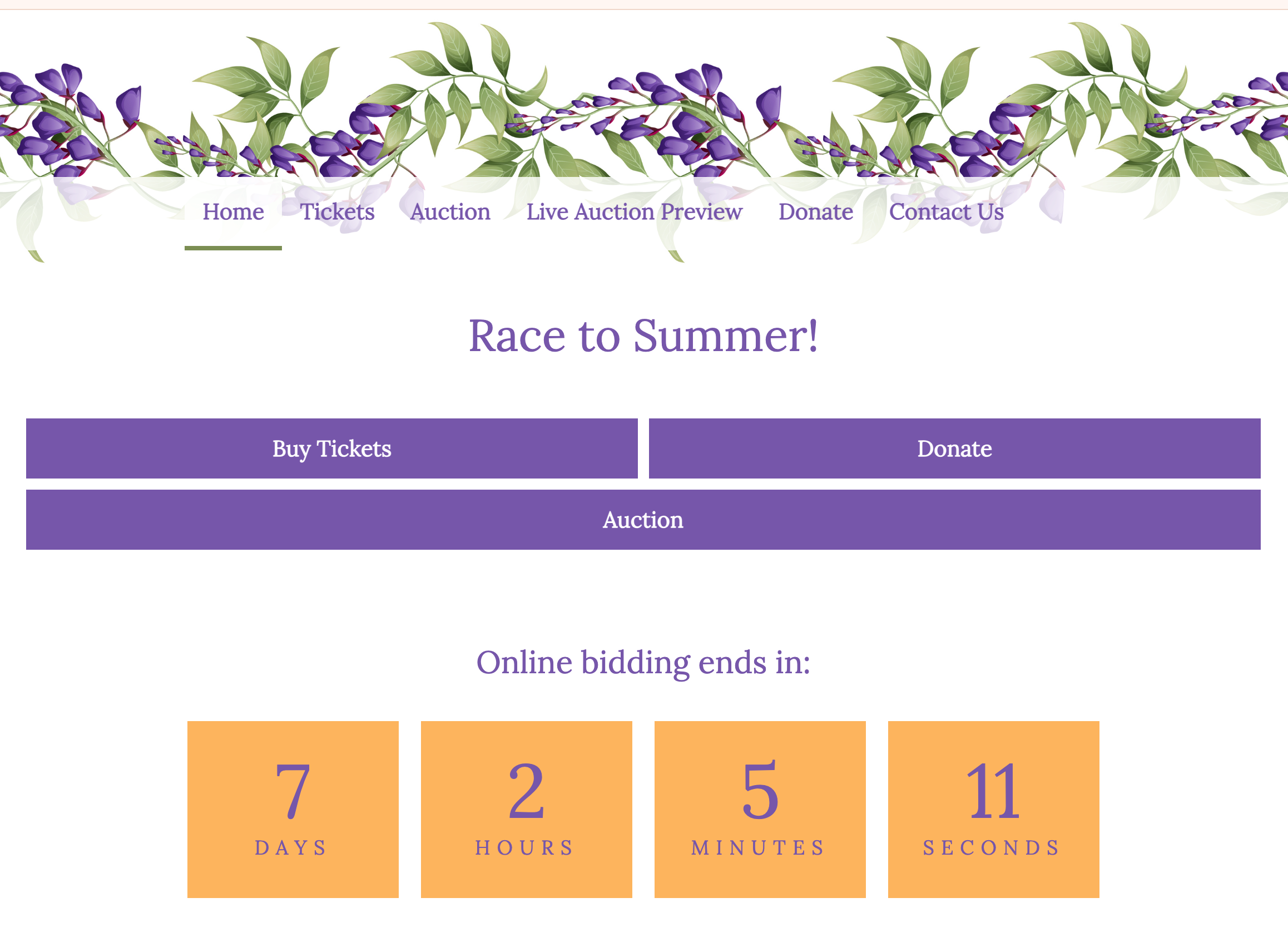
After clicking the link in the email, you will be taken to the auction website.
Click Sign In near the top of the page.
A sign-in window will appear, and you can sign in using the personal access code included in your email.
Then click Sign In.
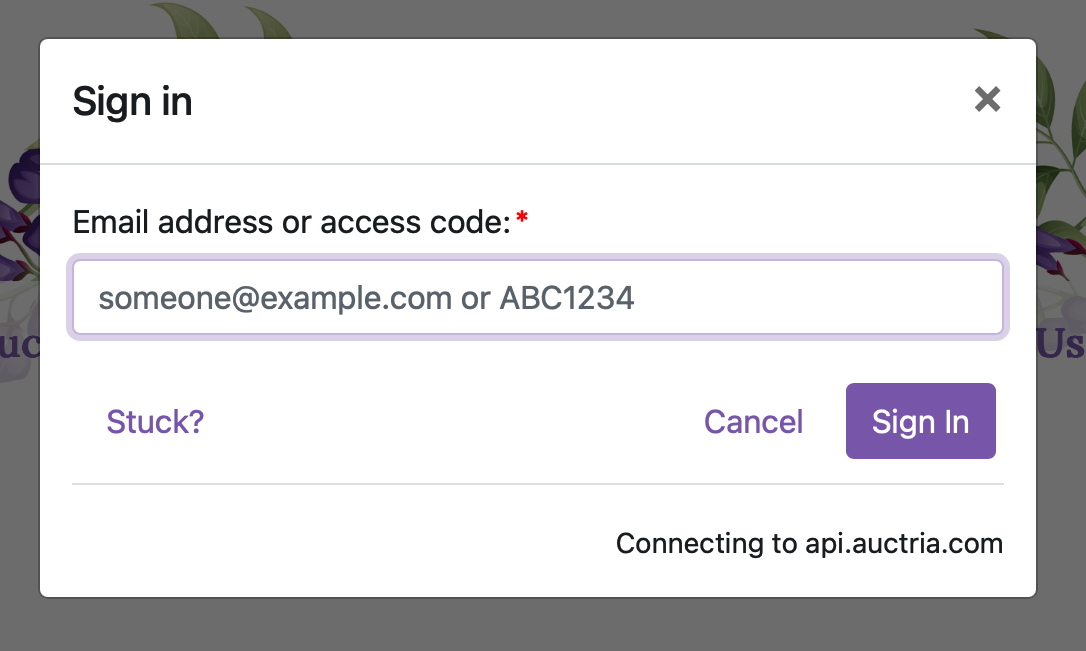
(Don’t worry if you cannot find your access code; you can also sign in using the same email address where you received the invitation.)
Step 3: Browse Auction Items
Once you are signed in, click Auction to browse items available in the service auction.
You will see the auction catalog, where you can browse available items.
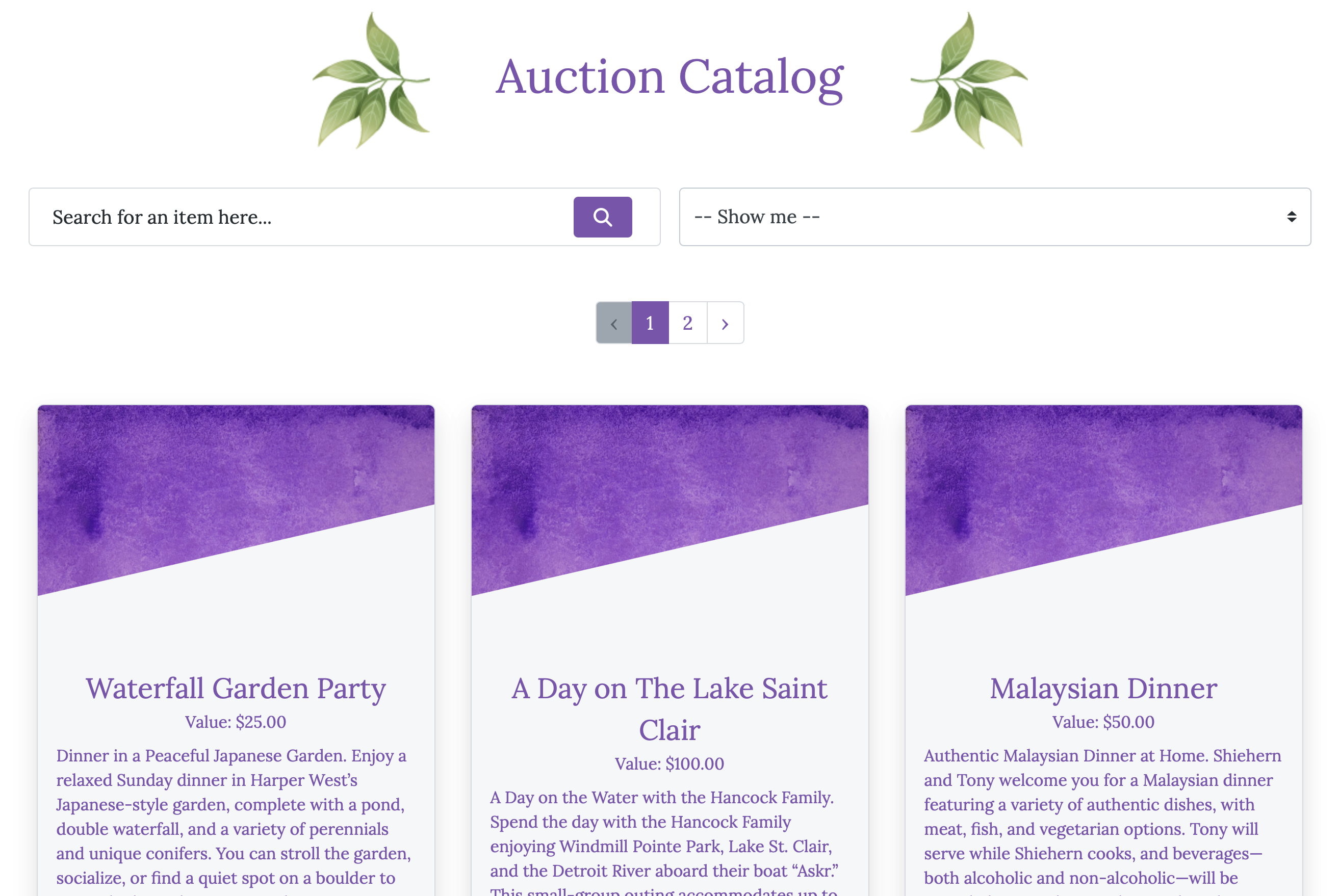
You can:
- scroll through items,
- search for an item by name,
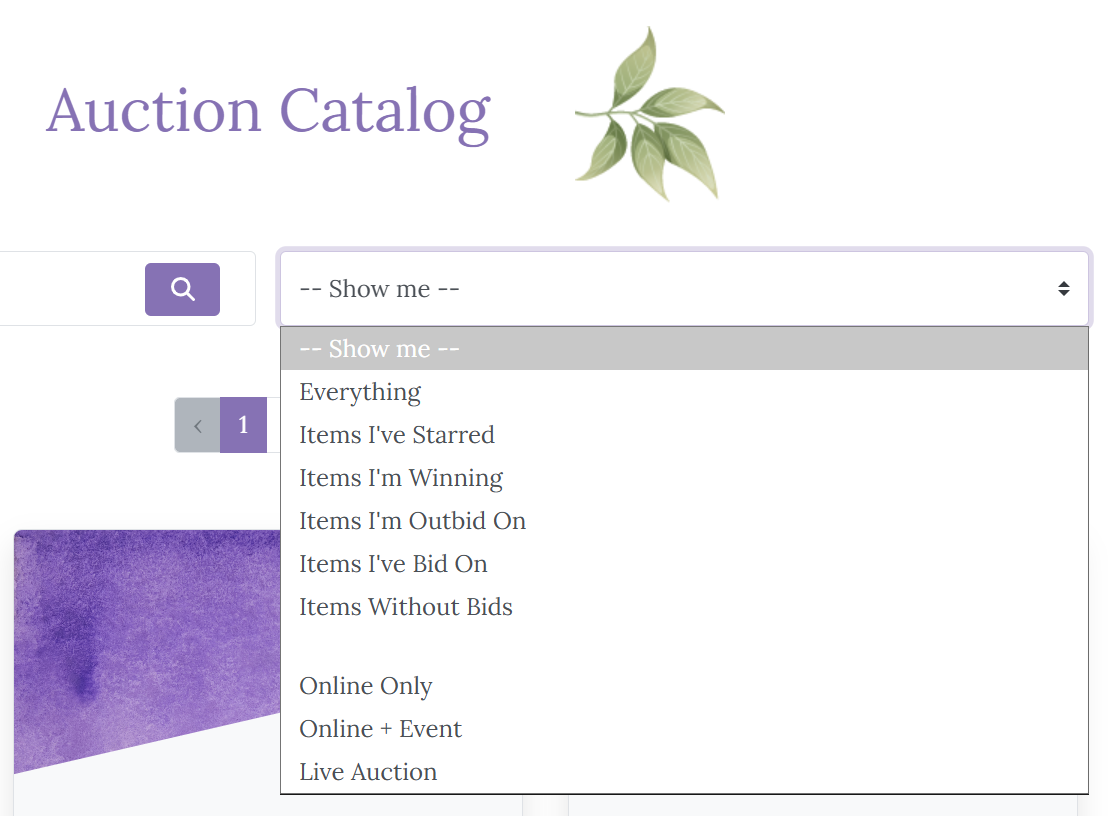
- or use the “Show me” dropdown to view specific types of auction items.
The “Show me” dropdown allows you to see items you've bid on, items you're winning, and items you've been outbid on.
Step 4: Place a Bid
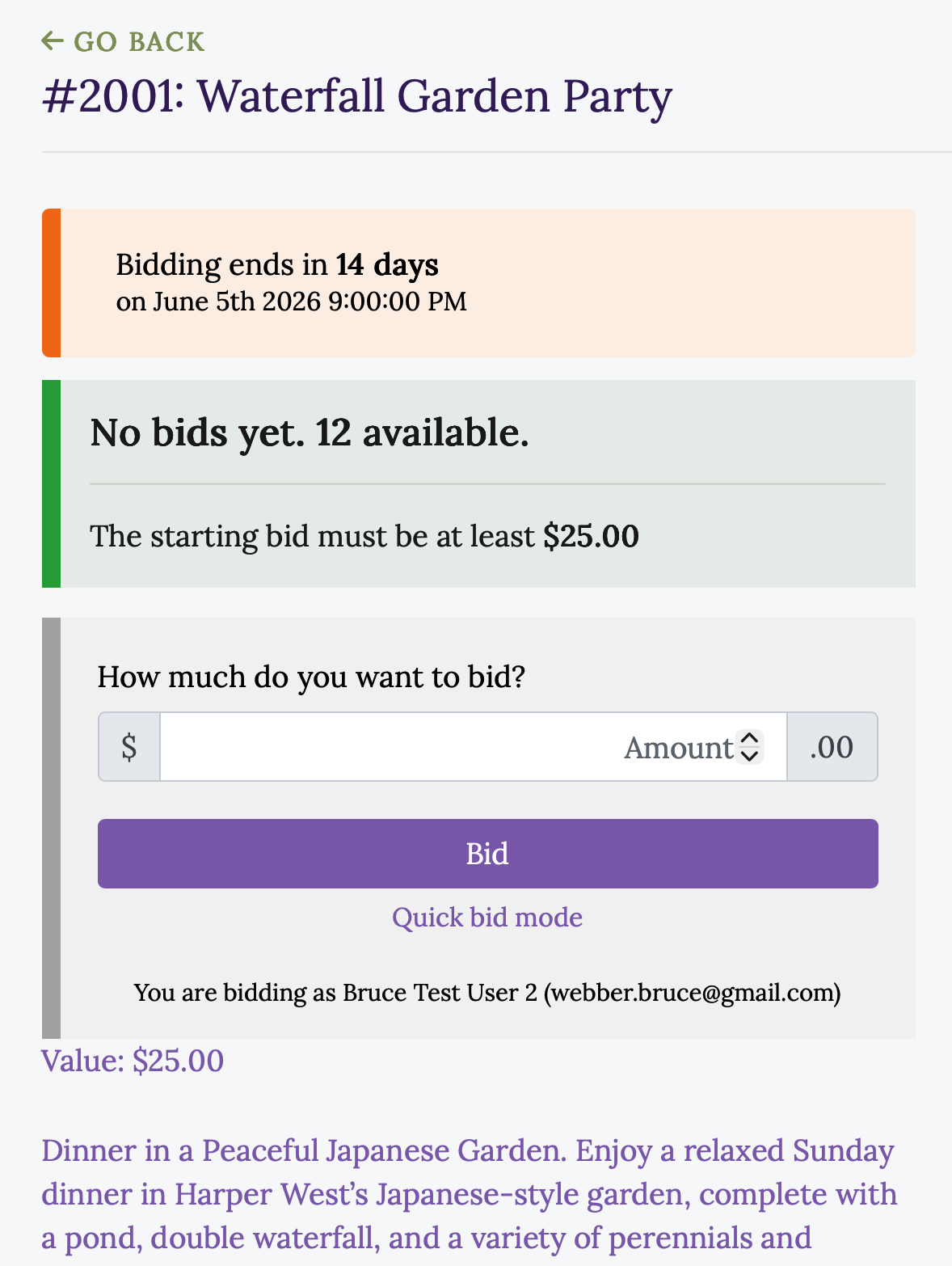
Click on any item to see more details.
On the item page, you can:
- read the full description,
- see when bidding ends,
- enter your bid amount,
- and click Bid to place your bid.
After you place a bid, you will receive an email confirmation. If someone outbids you later, Auctria will send you an email notification so you can return to the website and place a higher bid if you choose.
You can return later to view items and update your bids.
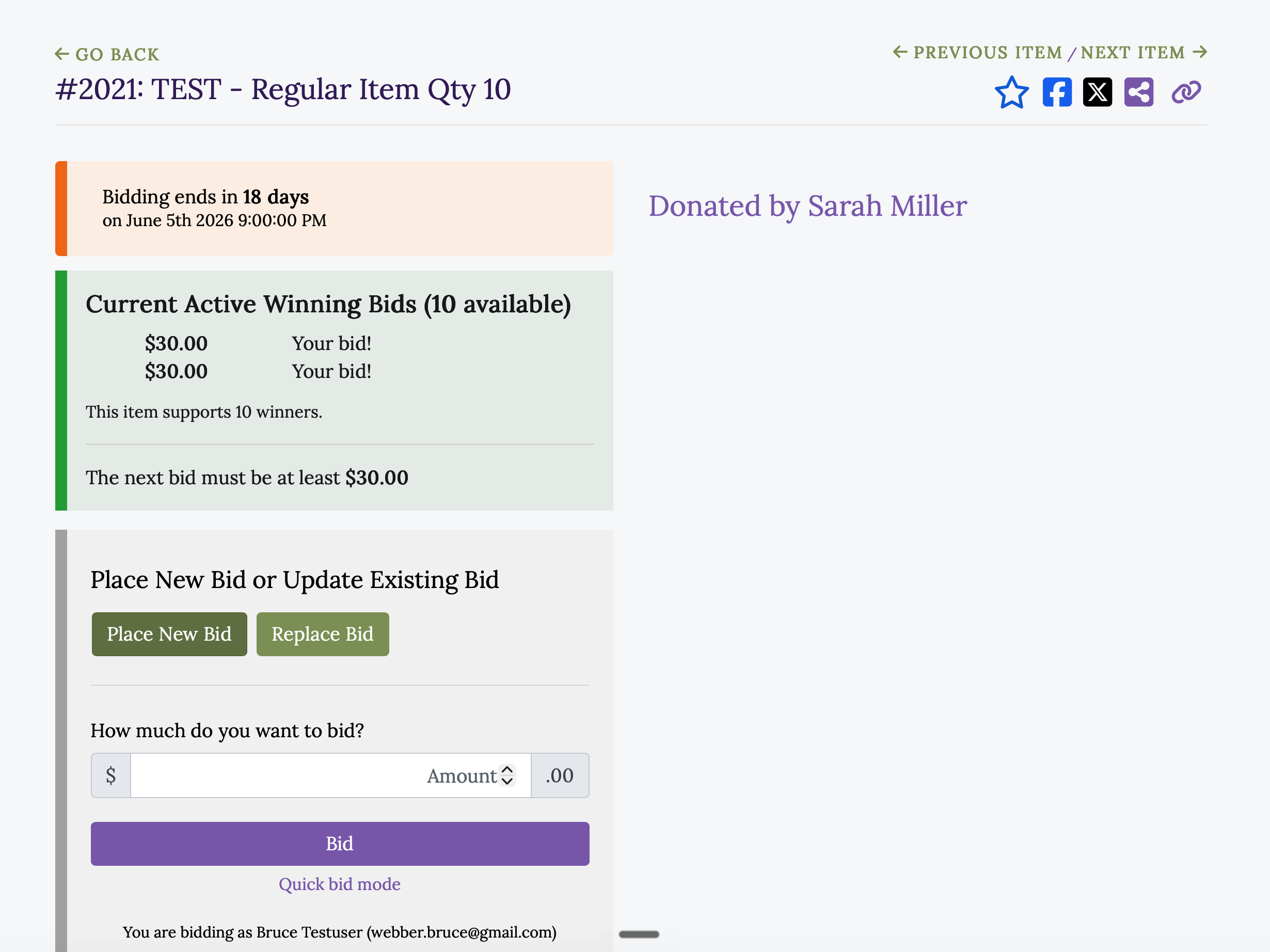
Step 5: Place an additional bid (optional)
Some events have multiple "slots," and you may want to bid on more than one. For example, a dinner may have up to eight attendees, and you want to bid on a second slot. To do this, return to the item, select Place New Bid, enter the amount you want to bid, and click Bid.
Understanding Auction Item Types
The auction includes several types of items. You can use the “Show me” dropdown to view a specific type.
Online Only
These items are available only through online bidding.
Bidding closes at 9:00 p.m. on Friday, June 5, and will not continue during the event.
You do not need to attend the event in person to participate or win these items.
Online + Event
These items begin with online bidding and continue during the event through paper bidding.
Online bidding pauses at 9:00 p.m. on Friday, June 5, and resumes during the event using paper bid sheets.
Paper bidding closes at 1:00 p.m. on Saturday, June 6, when the live auction begins.
Live Auction
These items can be previewed online, but bidding takes place only during the live auction at the event.
Need Help?
If you run into any problems or have questions, please contact the BUC Auction Team: